Focus Mode
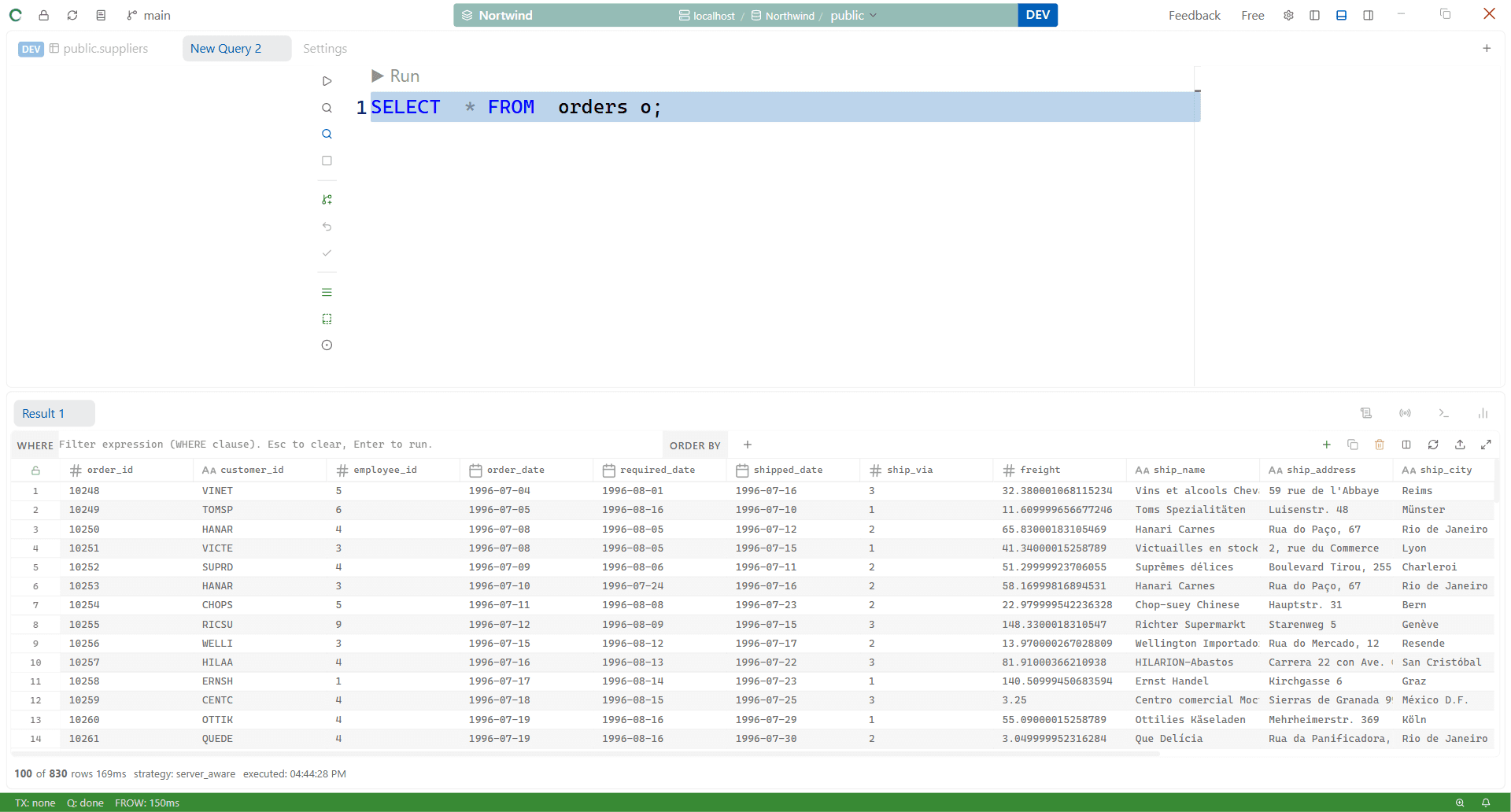
Focus Mode hides the left sidebar, the result panel, and the right sidebar, and centers the SQL editor in a fixed-width column — closer to a "zen mode" than just a layout tweak.
Entering / Exiting Focus Mode
- Press
Ctrl+Alt+Zto toggle it on or off. - Or click the Focus Mode button in the editor toolbar.
Turning it off restores your sidebars and result panel to exactly the visibility state they were in before you entered Focus Mode.
What Changes
| Element | Normal | Focus Mode |
|---|---|---|
| Left sidebar | Whatever it was | Hidden |
| Result panel | Whatever it was | Hidden |
| Right sidebar | Whatever it was | Hidden |
| Editor | Fills available width | Centered column, default 900px wide |
You can drag the resize handles on either side of the centered editor column to widen or narrow it (400–2400px) — the width is remembered.
Accessing Panels While in Focus Mode
Everything is still reachable by shortcut even though the panels are hidden — Context Search (Ctrl+E) and the Command Palette (Ctrl+Shift+P) both work normally. You can also just toggle any individual panel back on (Ctrl+B, Ctrl+J, Ctrl+Alt+B) without leaving Focus Mode — exiting later restores your original pre-Focus-Mode layout, not whatever you toggled while inside it.