Result Filters (WHERE & ORDER)
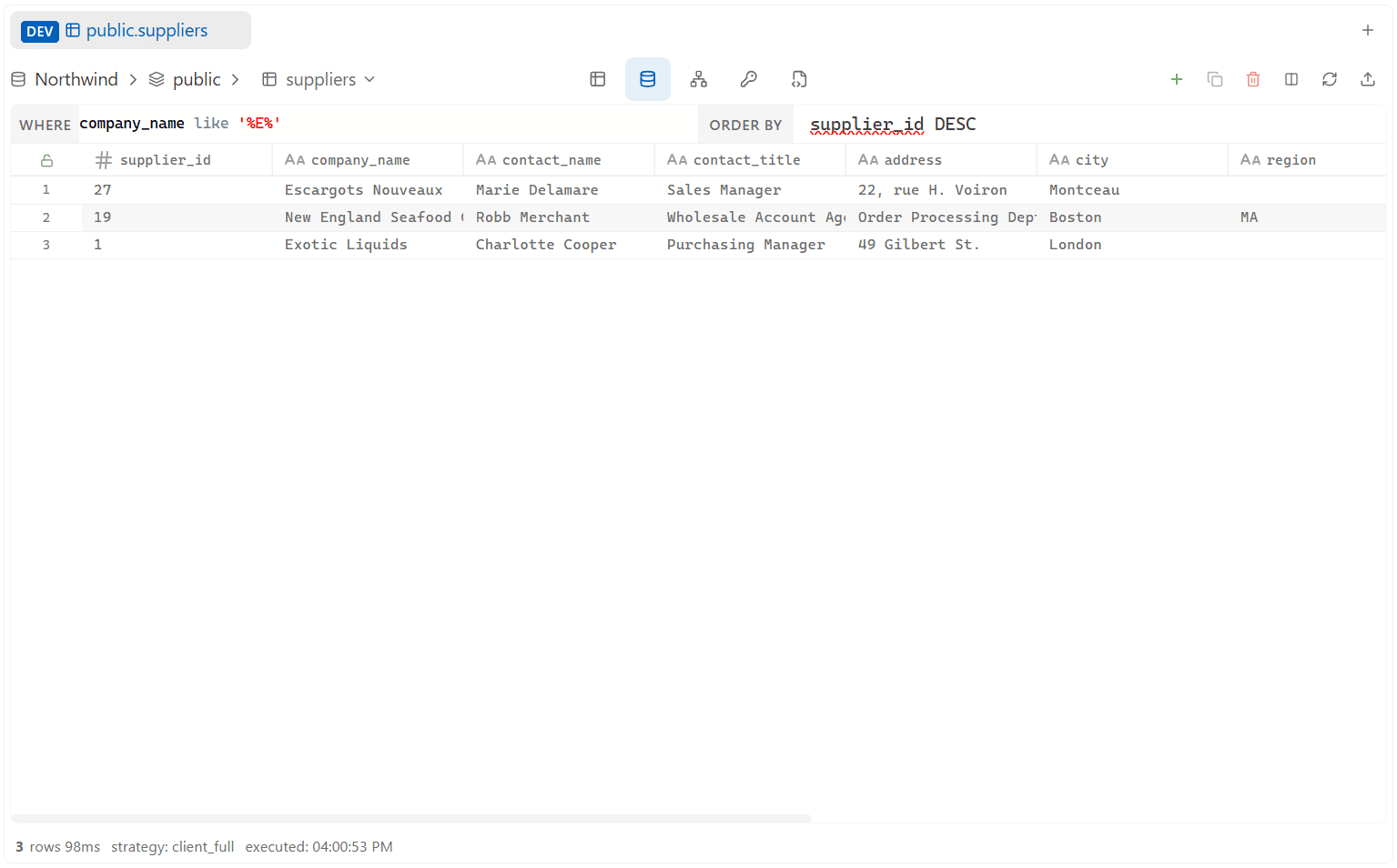
Above the result grid, a WHERE and ORDER bar let you narrow and sort a result without editing the SQL editor by hand. Unlike a client-side table filter, this actually re-runs the query against the database — Zentro intelligently merges your WHERE/ORDER BY into the original SQL (respecting any existing WHERE, GROUP BY, ORDER BY, LIMIT, etc. in the base query), so it works correctly even over the full table, not just the rows already loaded on screen.
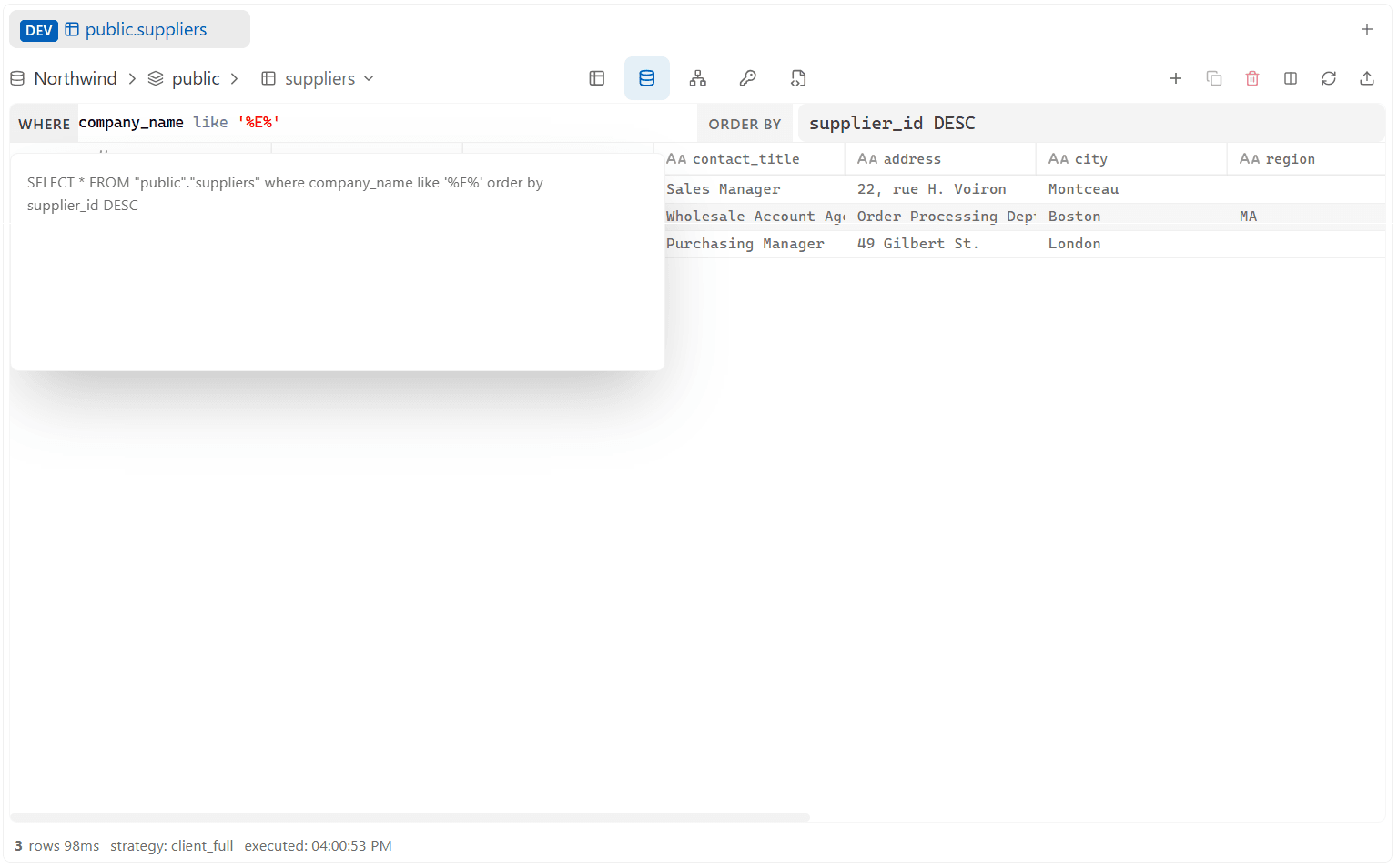
Quick tips: click the ORDER BY label to toggle between chip and text modes, and hover the WHERE label to preview the full SQL statement before running it.
WHERE Filter
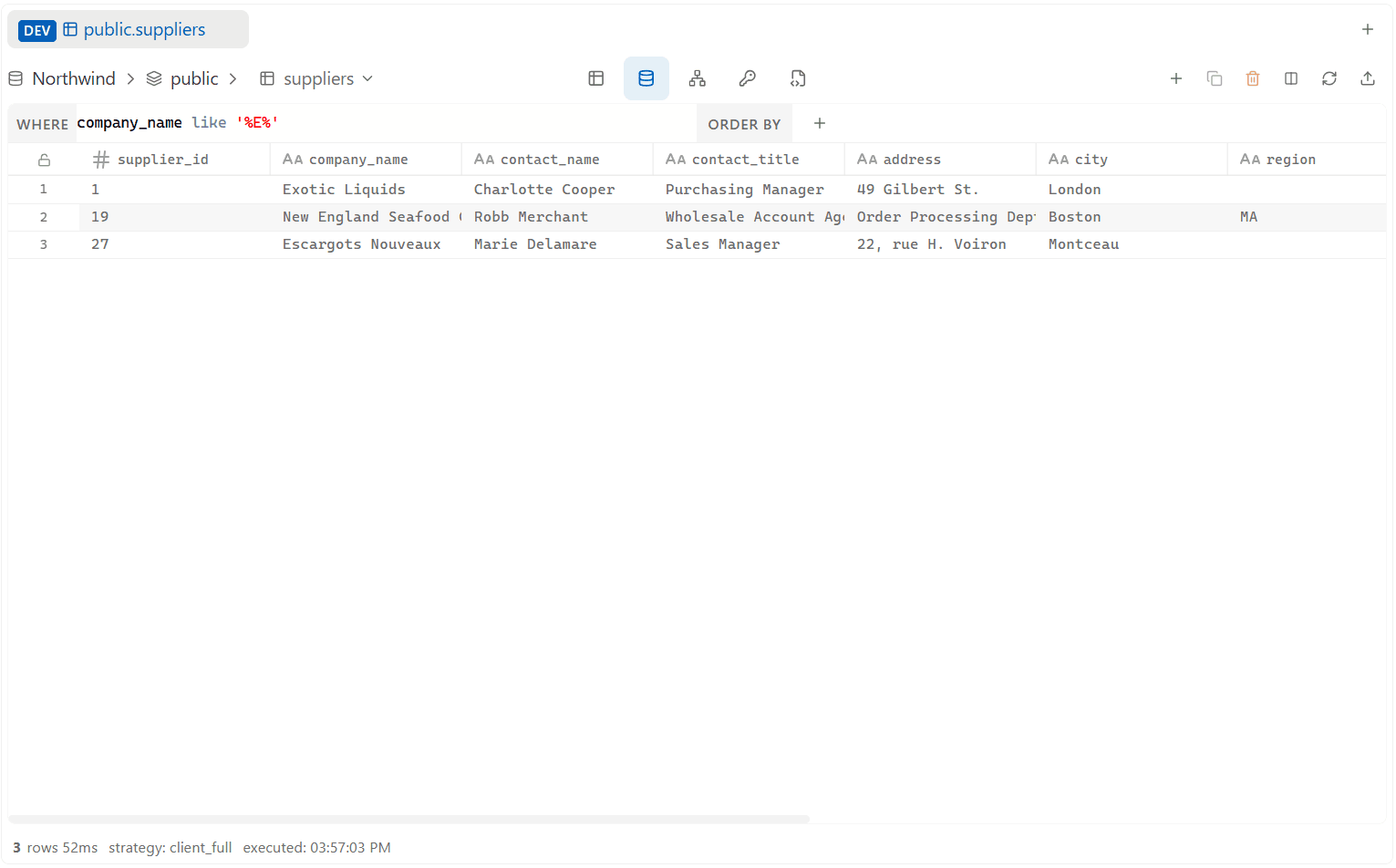 Type a condition into the WHERE box — it's a small Monaco editor with the same autocomplete (columns, aliases) as the main editor:
email LIKE '%@gmail.com'
status = 'active'
created_at > '2026-01-01'
amount >= 100 AND amount <= 500
Press Enter to run it. Esc clears the box and reverts to the original query (also re-running it).
Hover the WHERE label to preview the full combined query before running it, with buttons to copy it, append it to the current tab, or open it in a new tab.
ORDER Filter
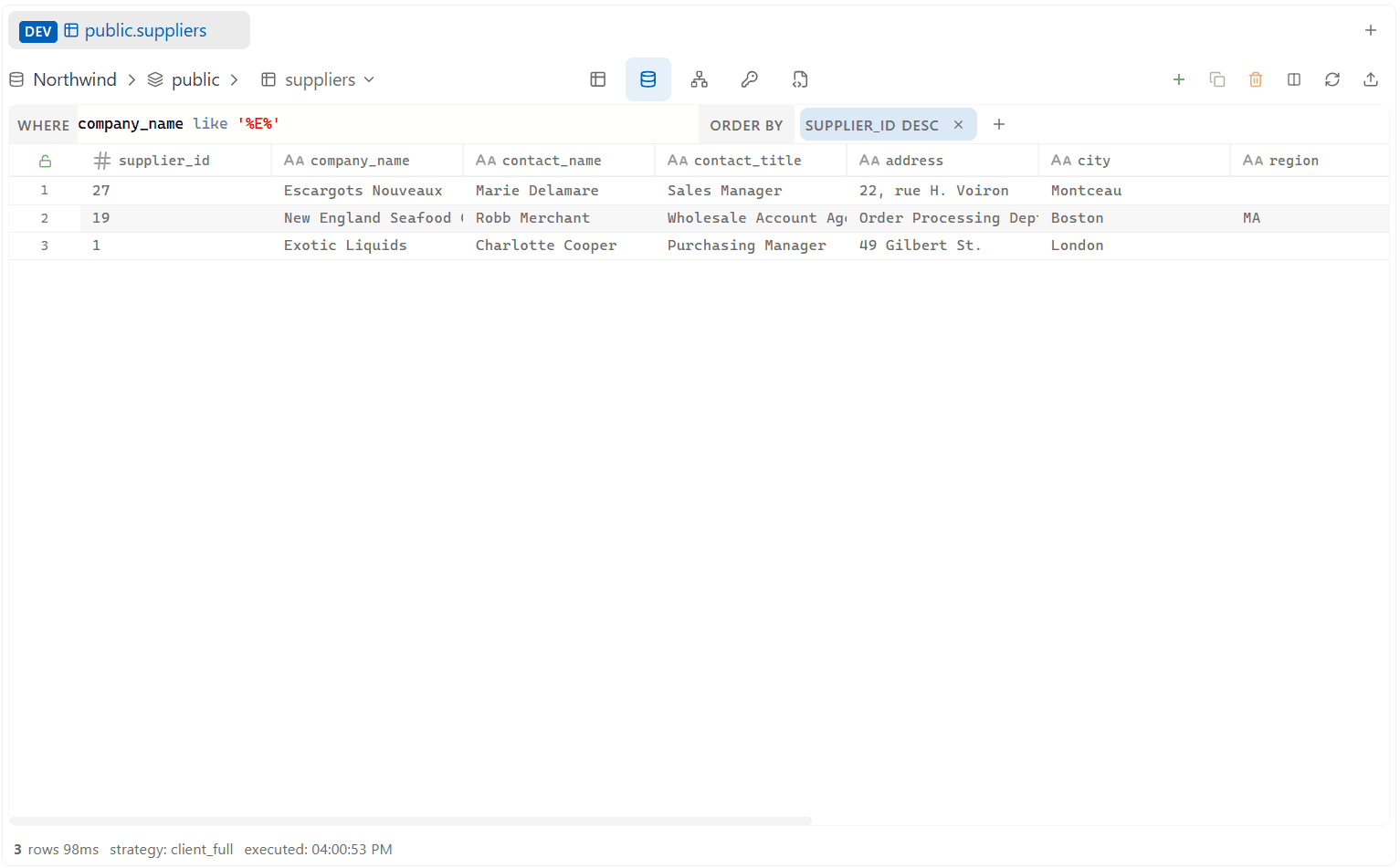
The ORDER side has two modes, toggled by clicking the ORDER BY label:
- Chip mode (default) — click + to add a sort term: pick a column, then click ASC or DESC to apply it immediately. Click an existing chip to edit its direction the same way, or remove it with the × on the chip.
- Text mode — type the ORDER BY clause directly (
created_at DESC, id ASC) and pressEnterto run it.
Clicking a column header in the result grid also sets/updates the ORDER filter.